Free Online HEIC Viewer
Open iPhone photos on Windows or Android instantly. Processed securely in your browser without uploads.
Supported Apple & Camera Formats
HEIC won't open on my device—why?
You transferred iPhone photos, but Windows shows a black screen or asks for a codec. Android says "File format not supported."
Windows Codec Paywall
Many setups need HEIF/HEVC support to open .HEIC files in Photos and File Explorer.
Android Compatibility
Some phones and apps can't decode Apple's HEIC/HEIF, so the image won't preview or upload.
File not supported
The HEVC / HEIF extensions may be required to view this iPhone photo on Windows.
HEIC to JPG: The Universal Fix
Keep HEIC on your iPhone for storage. Use JPG for Windows, Websites, and Printing.
Apple HEIC (High Efficiency)
Compression
HEVC (H.265)
Compatibility
Restricted
Standard JPEG / PNG
Compatibility
100% Devices
Status
Ready to Use
"OpenHEIC is the missing bridge between your iPhone and your Windows PC. No software installation required."



Used by 15k+ Professionals


HEIC vs. JPG
Apple's format is technically superior but functionally broken on Windows. We bridge the gap without quality loss.
Efficiency
HEIC is 50% smaller than standard JPG.
Color Depth
Supports 16-bit color vs JPG's 8-bit limit.
Solved: Compatibility
Our engine converts the file structure to standard JPEG for 100% Windows support.
How to Open HEIC Files
You don't need to install software. View and convert in 3 steps directly in Chrome or Edge.
Select Files
Drag and drop your .HEIC or .HEIF photos. We support batch selection of 100+ files at once.
Local Decoding
Our WebAssembly engine views the file instantly. Choose to convert to JPG, PNG, or PDF.
Download
Save the compatible files to your device. No watermarks. No email required.
Specialized Conversion Tools
Convert HEIC to JPG
Universal format for Windows Photos, Android & Insurance portals.
Convert HEIC to PNG
Lossless quality for designers needing transparency support.
Convert HEIC to PDF
Combine multiple iPhone document scans into one file for ID.me.
Convert HEIC to WebP
Next-gen compression for web developers & SEO performance.
A Privacy-First Architecture
Unlike other converters, OpenHEIC does not upload your files to the cloud.
No Server Uploads.
Perfect for sensitive documents. Your photos are processed locally in your browser's memory and are never transmitted over the internet.
Instant View
No upload waiting time.
Immediate decoding.
Mobile Friendly
Works on iPhone, iPad,
and Android browsers.
Powered by WebAssembly (WASM).
We leverage advanced browser technology to process images directly on your device's CPU, ensuring enterprise-grade security and speed.
Who uses OpenHEIC?
Designed for professionals who need reliable image access.
Insurance & Legal
Adjusters and legal teams need to upload site photos to legacy portals. Convert HEIC evidence to compliant JPGs securely.
Windows PC Users
Quickly view and convert batches of iPhone photos on your PC without paying for the Microsoft HEVC extension.
Designers & Devs
Convert high-res Apple assets to web-ready WebP or PNG formats for use in Photoshop, Figma, or VS Code.
Why OpenHEIC is Safer
| Feature | OpenHEIC (Local) | Other Converters (Cloud) |
|---|---|---|
| Data Privacy | 100% Private (No Uploads) | Files Uploaded to Server |
| Processing Speed | Instant (Client-Side) | Slow (Depends on Upload Speed) |
| File Limit | Unlimited Batching | Usually Restricted (Max 10) |
HEIC Troubleshooting
Guides on fixing HEIC issues on Windows, Android, and Web Browsers.
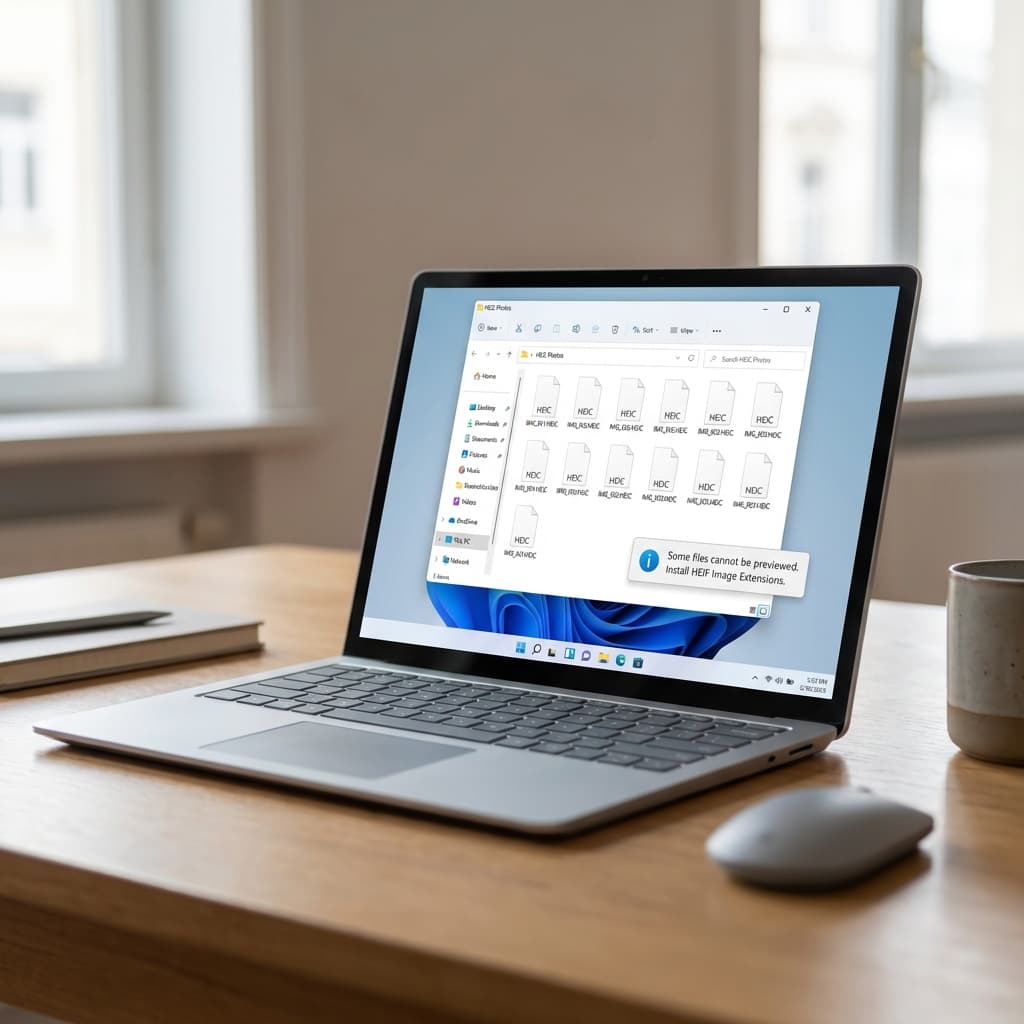
How to Open HEIC Files on Windows 10 & 11 (Free, No Codec, No Uploads)
The complete guide to fixing the 'HEVC Video Extension' error. Learn 5 ways to view iPhone photos on PC without paying $0.99 or uploading your private files.
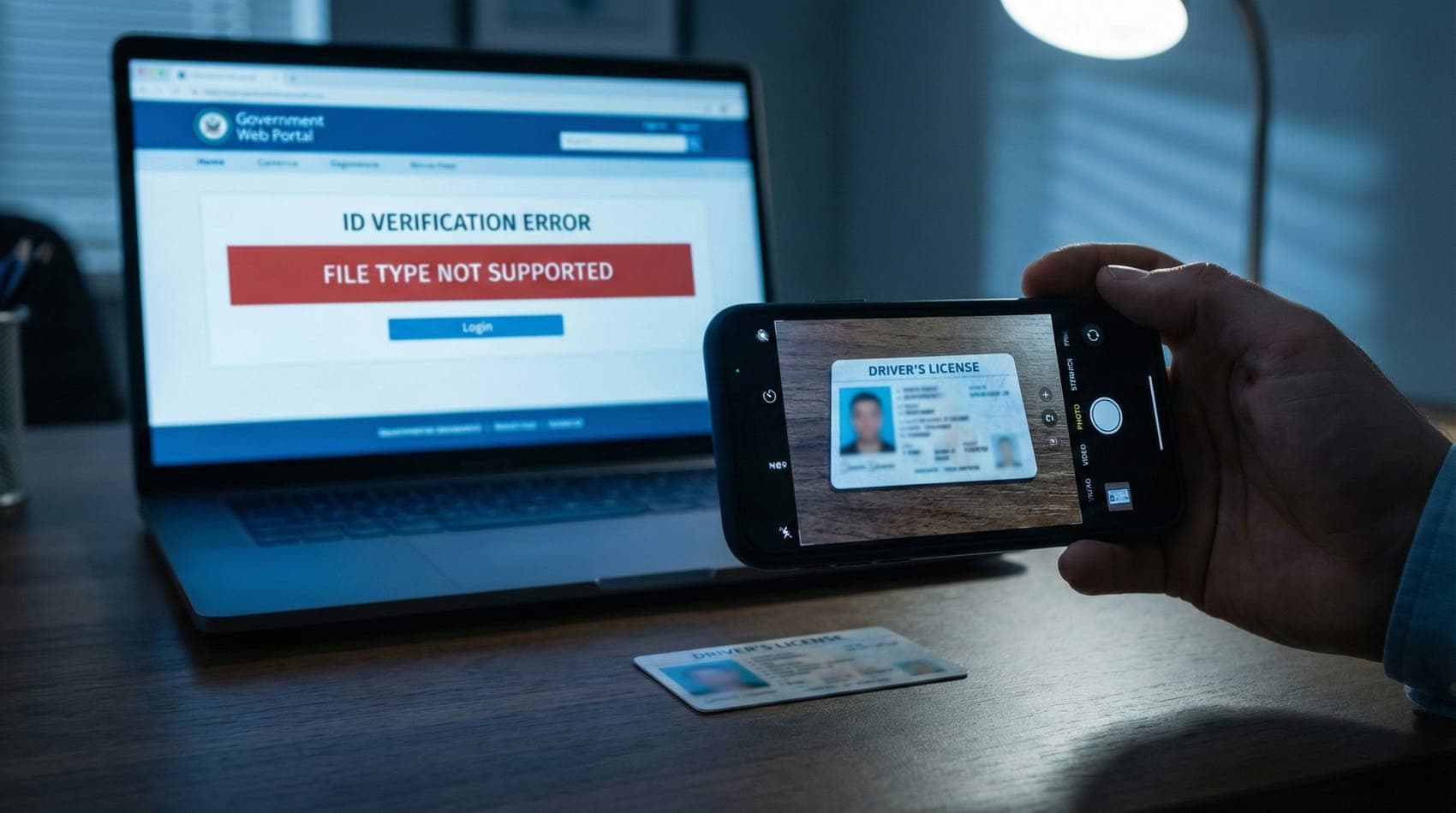
ID.me & Login.gov Won’t Accept HEIC Photos? Fix iPhone ID Upload Errors (No Uploads)
Government portals rejected your iPhone photos? Learn why ID.me and Login.gov block HEIC files and how to securely convert your ID cards to JPG or PDF without uploading them to the cloud.
Viewer Diagnostics
Live status of our browser-based decoding engine.
Android Compatibility
Resolves format fragmentation on Samsung, Pixel, and Xiaomi devices running Android 9+.
Windows 10/11 Support
Decodes HEIC files without requiring the Microsoft HEVC Video Extensions from the Store.
FAQ.
Common questions about opening HEIC files on PC, file privacy, and bulk conversion.
HEIC (High Efficiency Image Container) is the standard photo format used by Apple devices. It uses advanced compression to keep files 50% smaller than JPGs without losing quality. However, because it is new, many operating systems (like Windows) and websites cannot open it without a tool like OpenHEIC.